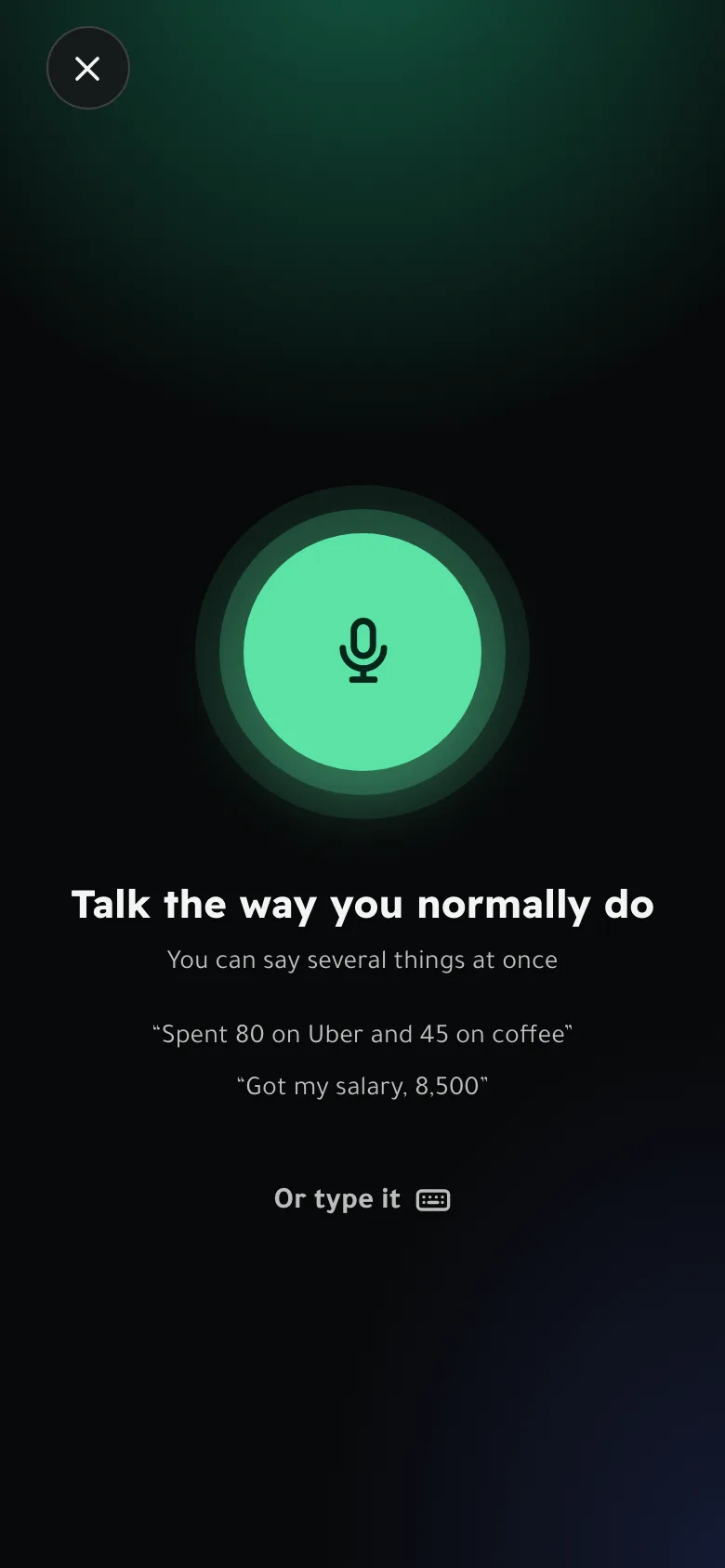
By voice, the way you talk
Arabic or English, several things in one sentence.
- If the amount is unclear, it flags it for you to check instead of guessing
- Or type it yourself from the same screen
 Masareefy
 listens in Egyptian Arabic or English, writes down the amount, files it in the right category, and tells you what you have left until the end of the month. No spreadsheets.


Start for free. Extra features come with Pro.
50 on koshary, 20 on transport
Arabic or English, several things in one sentence.
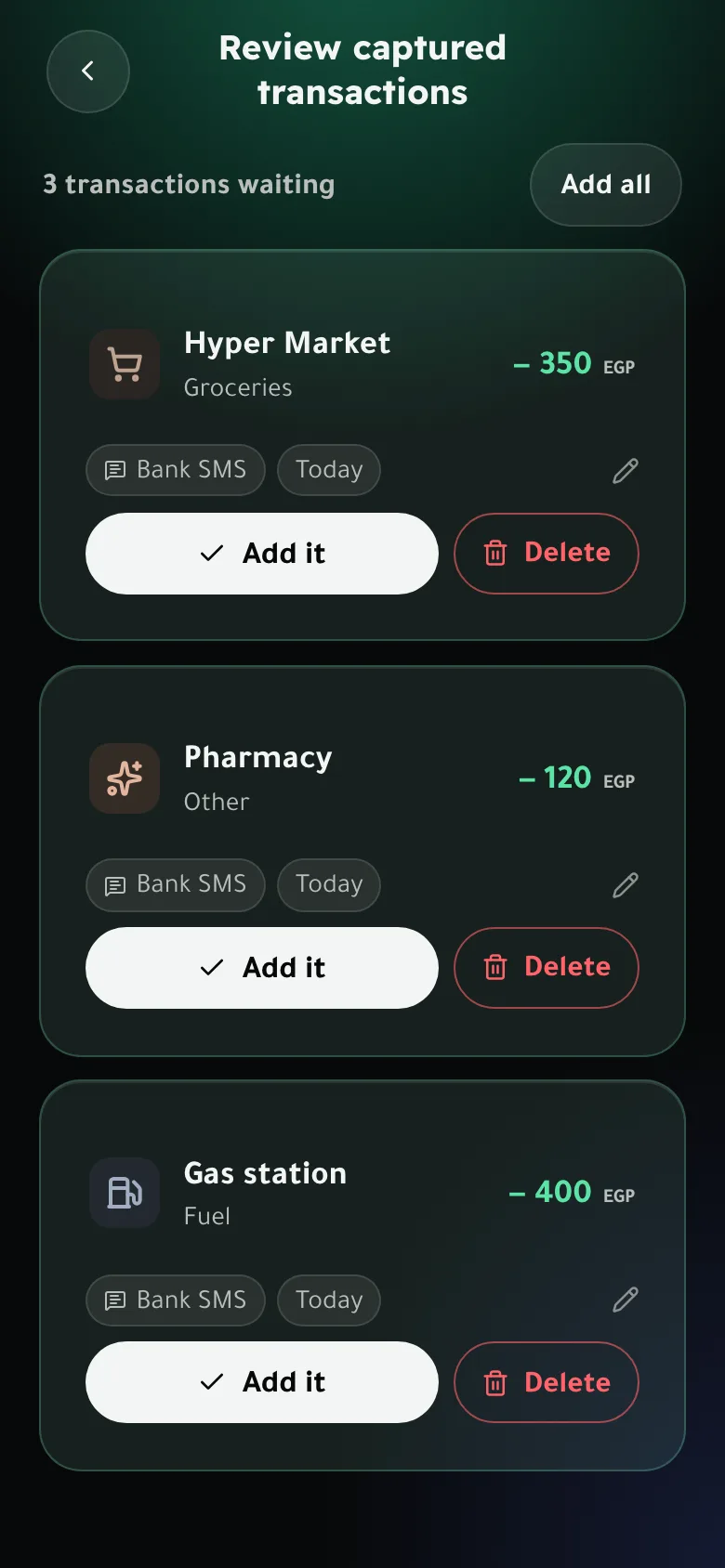
The message arrives and the transaction waits for your review. No typing.
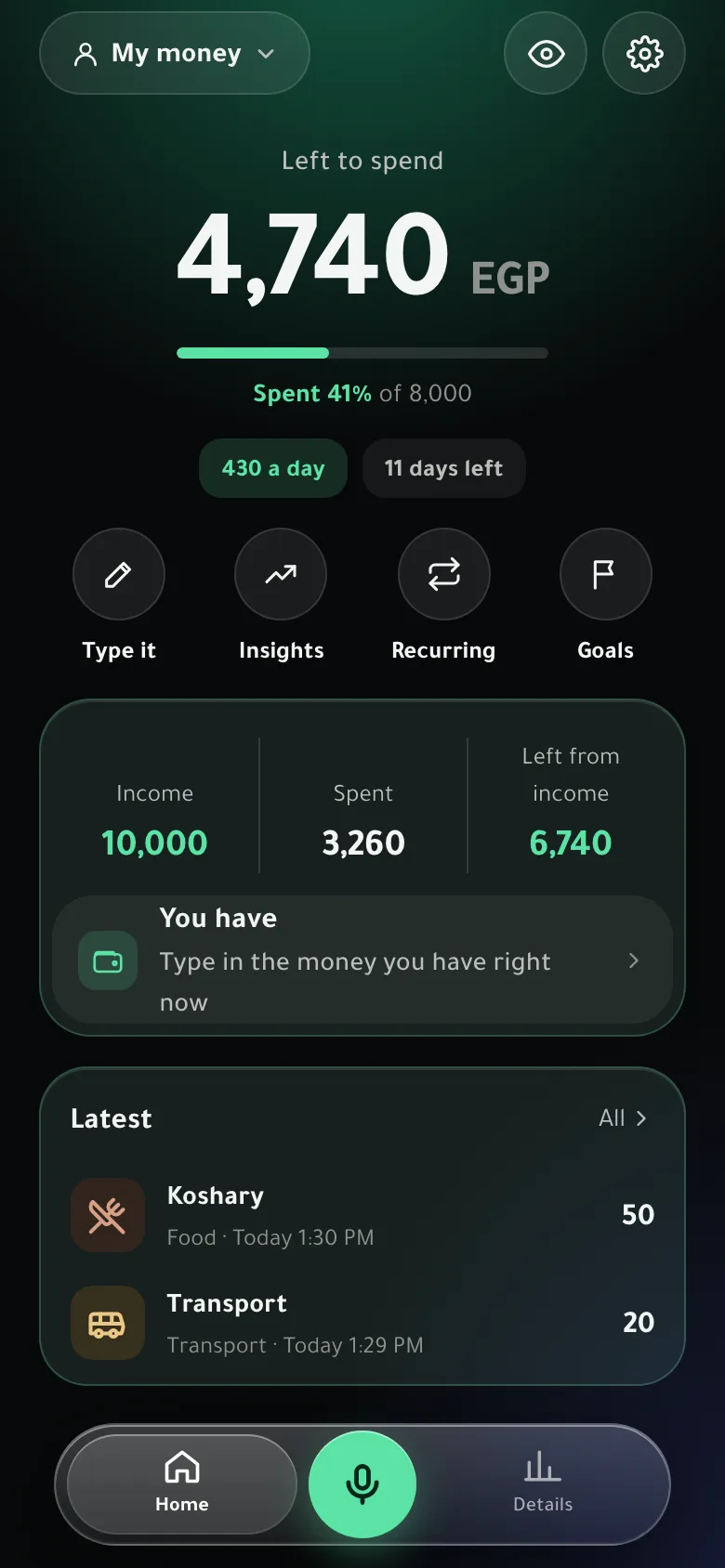
Open the app and see what you have left to spend, and what you can spend per day.
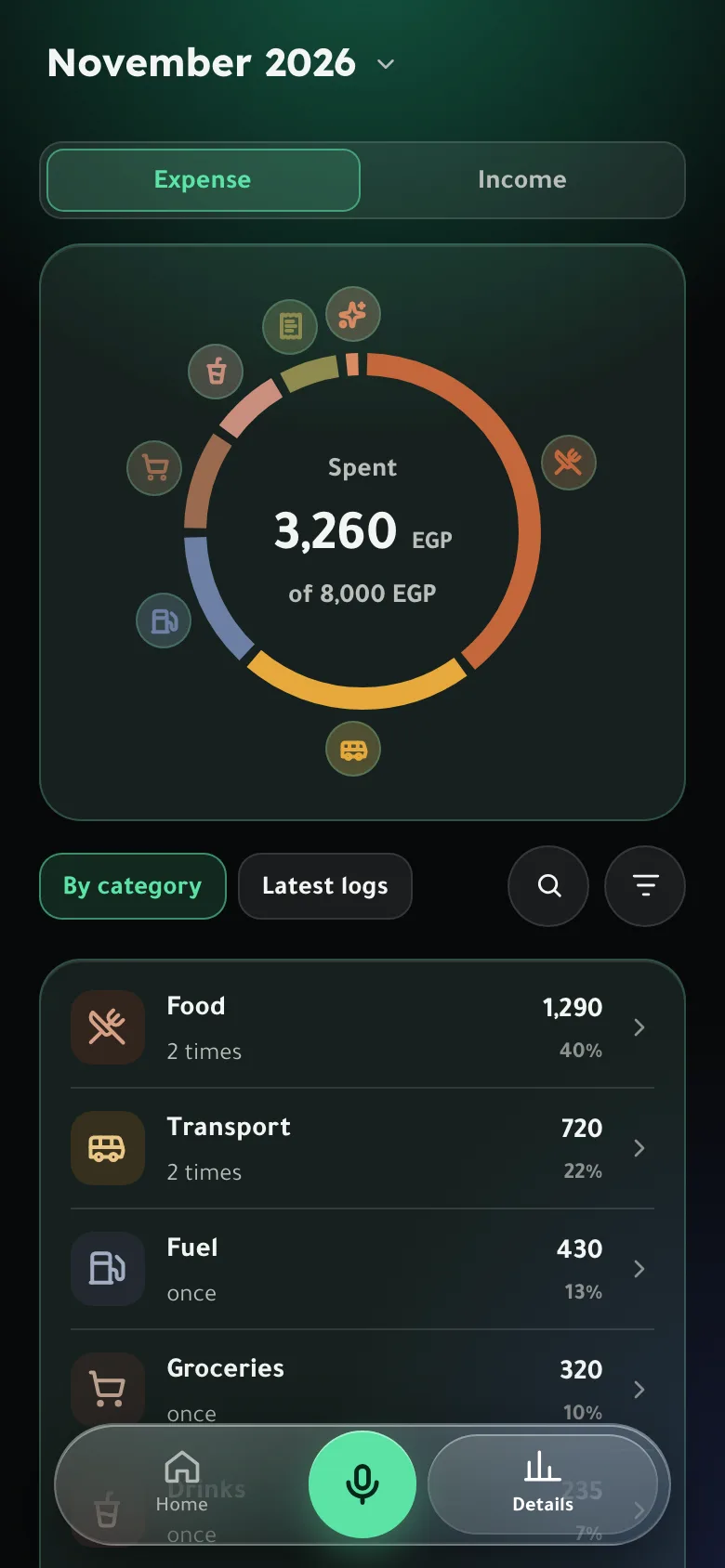
Every expense in its category, and the whole month in one ring.
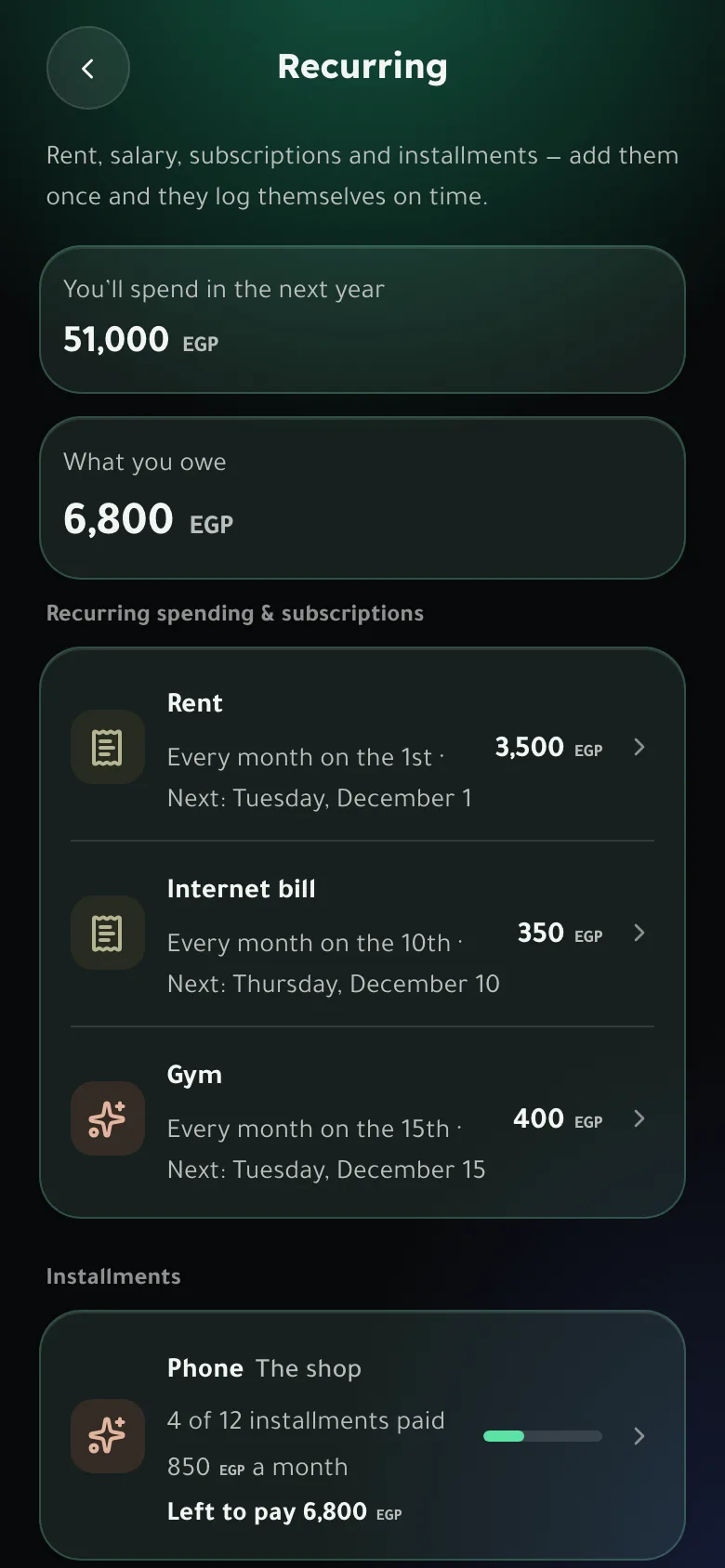
Rent, subscriptions and installments log themselves when they are due, with a reminder the day before an installment.
Each book keeps its own money and its own budget.
Share household spending with a partner or family, each with the access you choose.
Take your spending out as an Excel or CSV file whenever you like.
Log by hand without internet, and it syncs when you are back online.
The clip is sent off to be understood and deleted right away. All we keep are the numbers and words you confirm.
Read the privacy policyMasareefy (مصاريفي) is an Egyptian expense and income tracker for iPhone and Android. You say what you spent in Egyptian Arabic or English, and the app writes down the amount and files it in the right category.
It also logs transactions from Egyptian bank messages and wallet notifications, and tells you what you have left until the end of the month and what you can spend per day. It is free to start, with a Pro plan for extra features.
Yes, download it and start for free. Pro adds extra features if you want them.
Yes, it was built for it. Talk the way you normally do, and it understands English too. If an amount is unclear, it flags it for you to check.
Yes, both. Apple Pay logging is iPhone only.
It has built-in readers for National Bank of Egypt and QNB Egypt messages, and general templates for most other banks. For a bank it does not know yet, it extracts only the amount after removing your balance and account number. On Android it also picks up InstaPay, Telda, and bank and wallet app notifications.
It is built for Egypt: it understands spoken Egyptian Arabic, logs Egyptian bank messages on its own, and works in Egyptian pounds. No transaction counts until you review it, and your voice is never stored.
No. Filtering happens on your phone, and anything that does not look like a bank or wallet transaction is discarded right away. Android SMS access never reads your message history, and you can turn it off in Settings.
On your phone first, then synced to a secure server so you can find it on any device. The full details are in the privacy policy.
You can log by hand without internet, and it syncs when you are back online. Voice logging needs internet.